
A place for your communications
The illustration brings envelopes, documents and folders to a desktop workspace. Email keeps the everyday tasks of reading, organising and replying together.
Free utilities
Your messages.
Your folders.
Your email workspace.

Read. Organise. Reply.
Bring your account, messages and attachments into the VISINVOKE workspace.
The illustration brings envelopes, documents and folders to a desktop workspace. Email keeps the everyday tasks of reading, organising and replying together.
Start with your address and provider, then work with folders, drafts and message rules. On Windows, bring existing Outlook PST mail into your local mailbox.
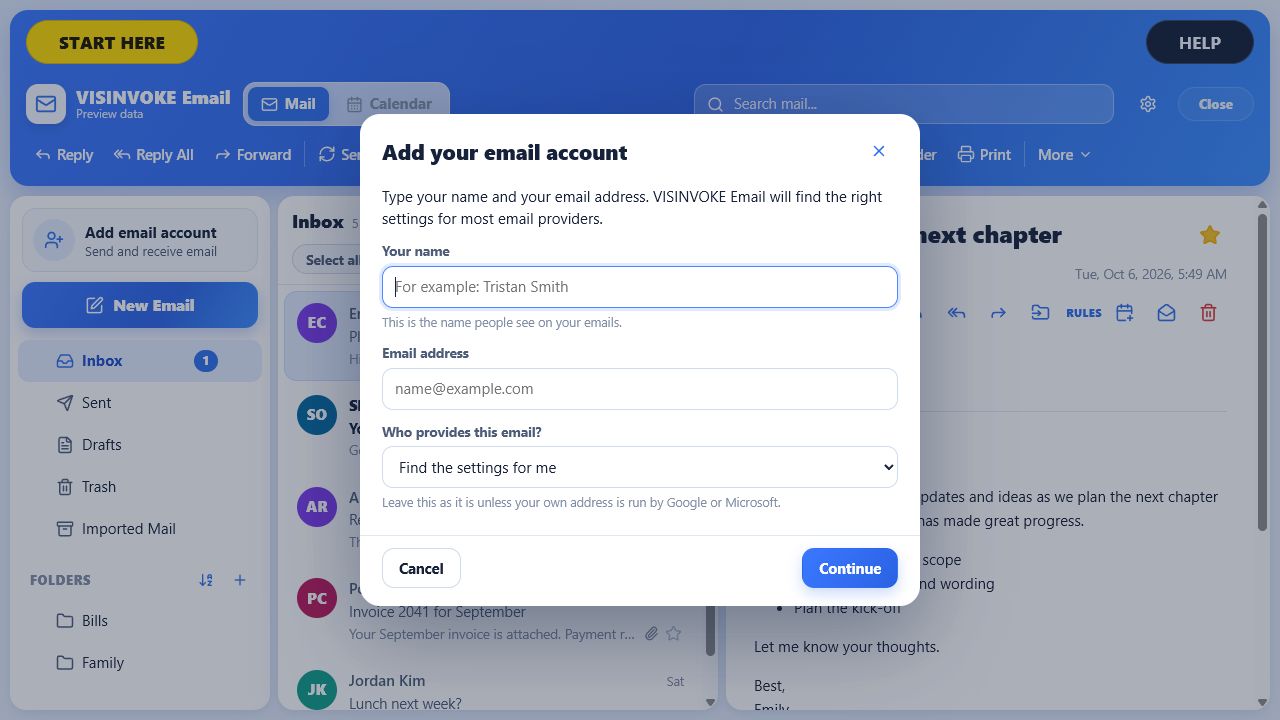
Account setup
The account form shows a name, email address and provider selection, with Continue and Cancel controls.
Follow START HERE to enter the usual account settings and check receiving and sending. Add folders and rules when you need them.
What you can do
Practical email tools, free with a VISINVOKE account.
Add your address and provider with guided account setup. Check receiving and sending during setup before using the account.
Use Email inside Desktop Control Centre on Windows or the Android in-app host on your phone or tablet.
Bring messages, folders and attachments into your local mailbox with a one-time PST import on Windows. Original PST files are read without being changed.
Retain imported mail independently of its source file and use duplicate protection when importing again.
Create, rename, move and delete your own folders. Inbox, Sent, Drafts and Trash remain protected standard folders.
Choose sender, subject, message or other conditions and move matching messages into a selected folder. Apply rules to new or existing mail.
Compose a new message, reply, reply to all or forward an email. Attach files and retain draft messages while you work.
Save unfinished messages as drafts. If sending fails, the draft remains available so you can return to it.
Place the reading pane to the right or below your message list. Email retains your chosen pane sizes.
Account credentials use operating-system secure storage. Program attachments are not opened automatically.
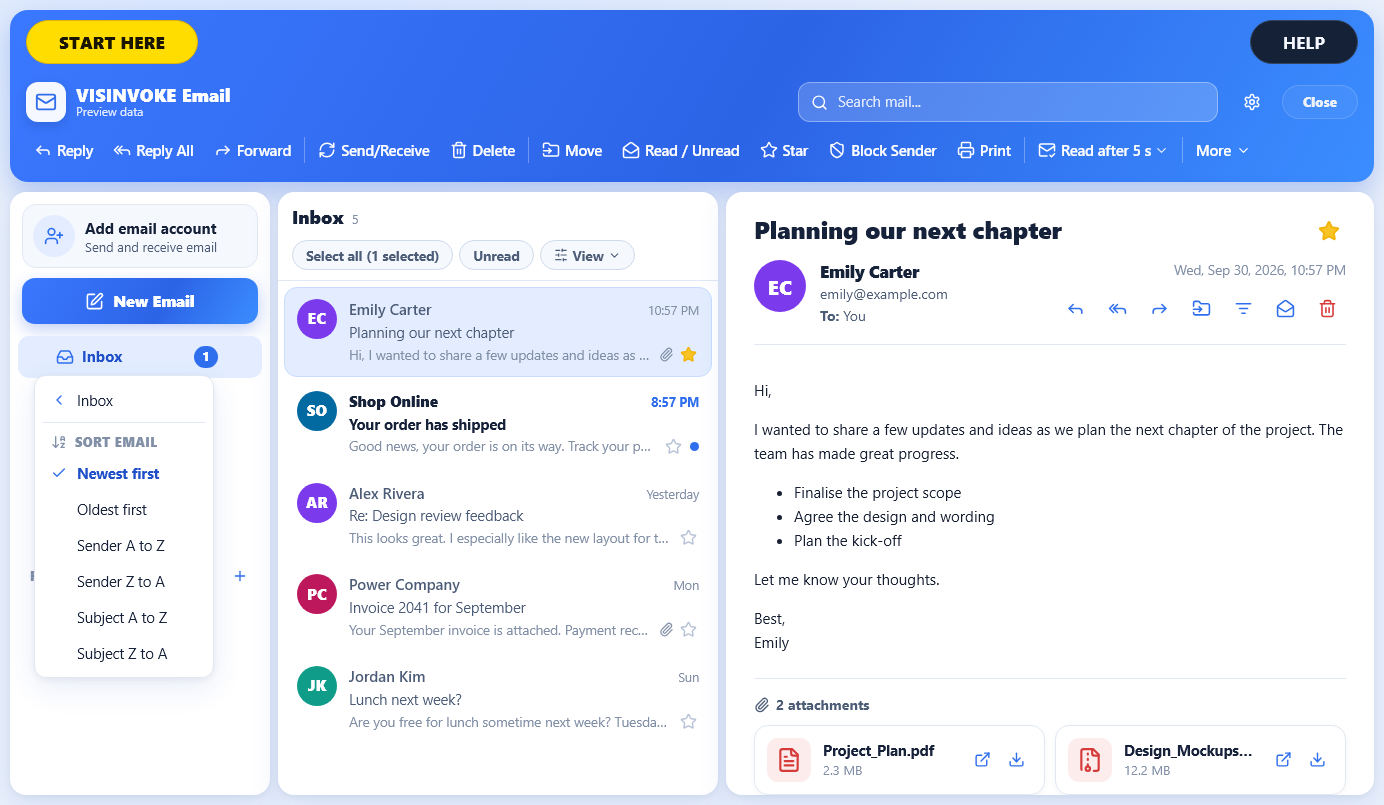
Folders and reading
The illustrated inbox shows folder navigation, a sortable message list and a reading pane with message attachments.
Create and manage your own folders. Keep the protected standard folders, and put the reading pane to the right or below.
From setup to a daily routine
Start with an account, then add the organisation that suits your mail.
Enter your address and provider settings. Complete the guided receiving and sending checks for the account.
Import an Outlook PST file on Windows to retain messages, folders and attachments locally. The source PST remains unchanged.
Create your own folder structure and select a right or bottom reading pane. Keep the pane sizes that suit your screen.
Choose a condition and destination folder. Use rules for incoming messages or apply them to existing and imported mail.
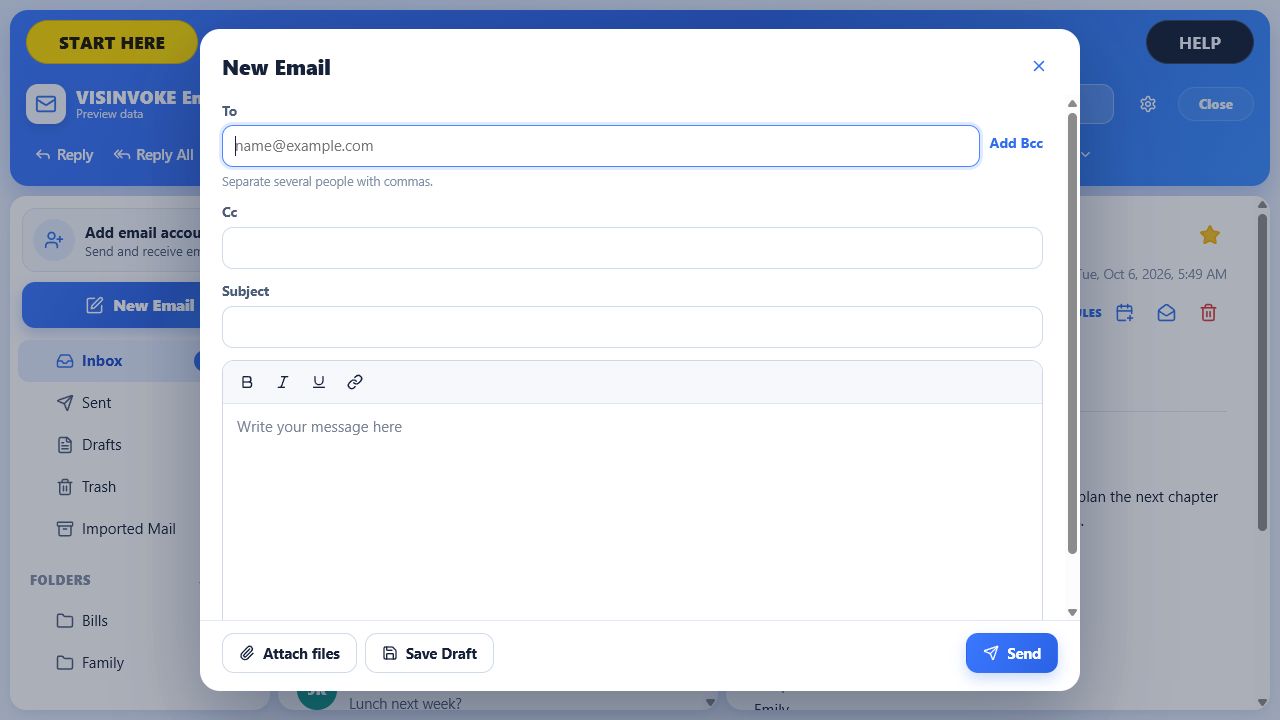
Compose, draft and send
The New Email form shows recipients, Cc, Bcc, subject and message, with Attach files, Save draft and Send controls.
Write, reply, reply to all or forward. Save a draft while you work; a failed send retains it for you to return to.
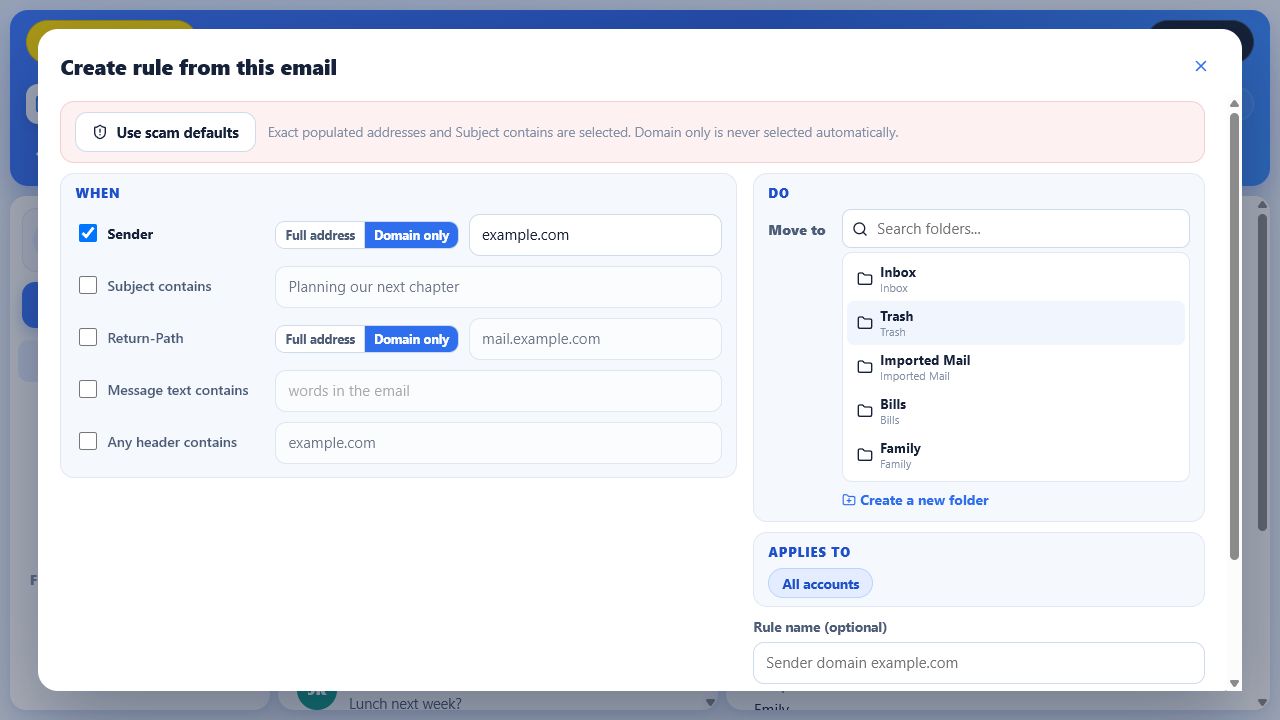
Message rules
The rule form shows sender, subject and message conditions with a destination folder and an optional rule name.
Choose the details that identify the messages you want to move. Apply your rule to incoming or existing mail.
Mail you can return to
Bring familiar material into a workspace you can organise.
On Windows, imported PST messages, folders and attachments remain in the local mailbox independently of the original file. Repeated imports include duplicate protection.
Inbox, Sent, Drafts and Trash retain their standard roles. Manage your own folders around them as your correspondence grows.
Save a draft before leaving a message. Return to it to finish the text or attachments, including after a failed send.
Account credentials use operating-system secure storage. Program attachments are not opened automatically.
Your workspace and related products
Open VISINVOKE products through your account.
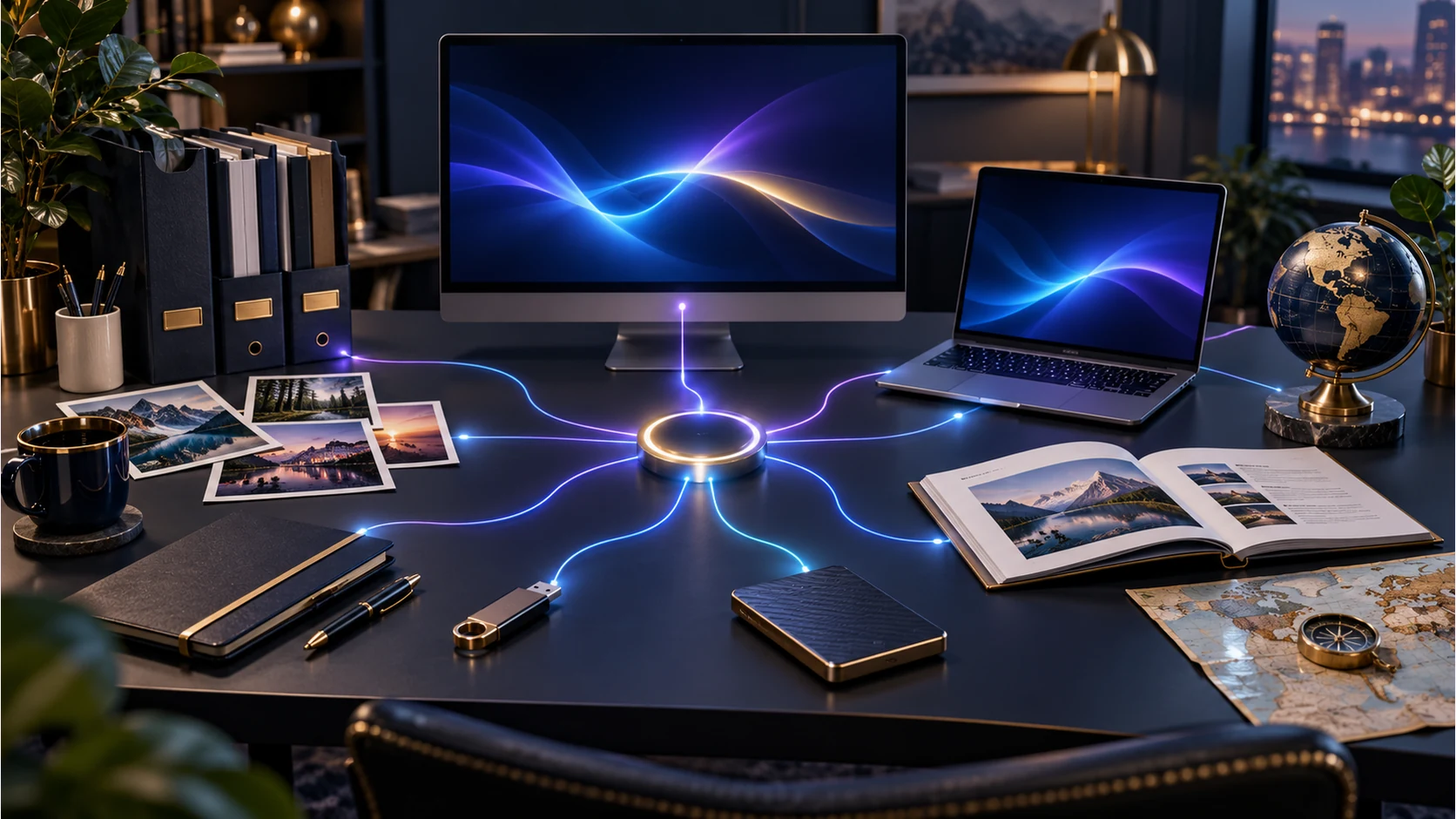
Open Email and your other VISINVOKE products in a signed-in Windows desktop workspace.
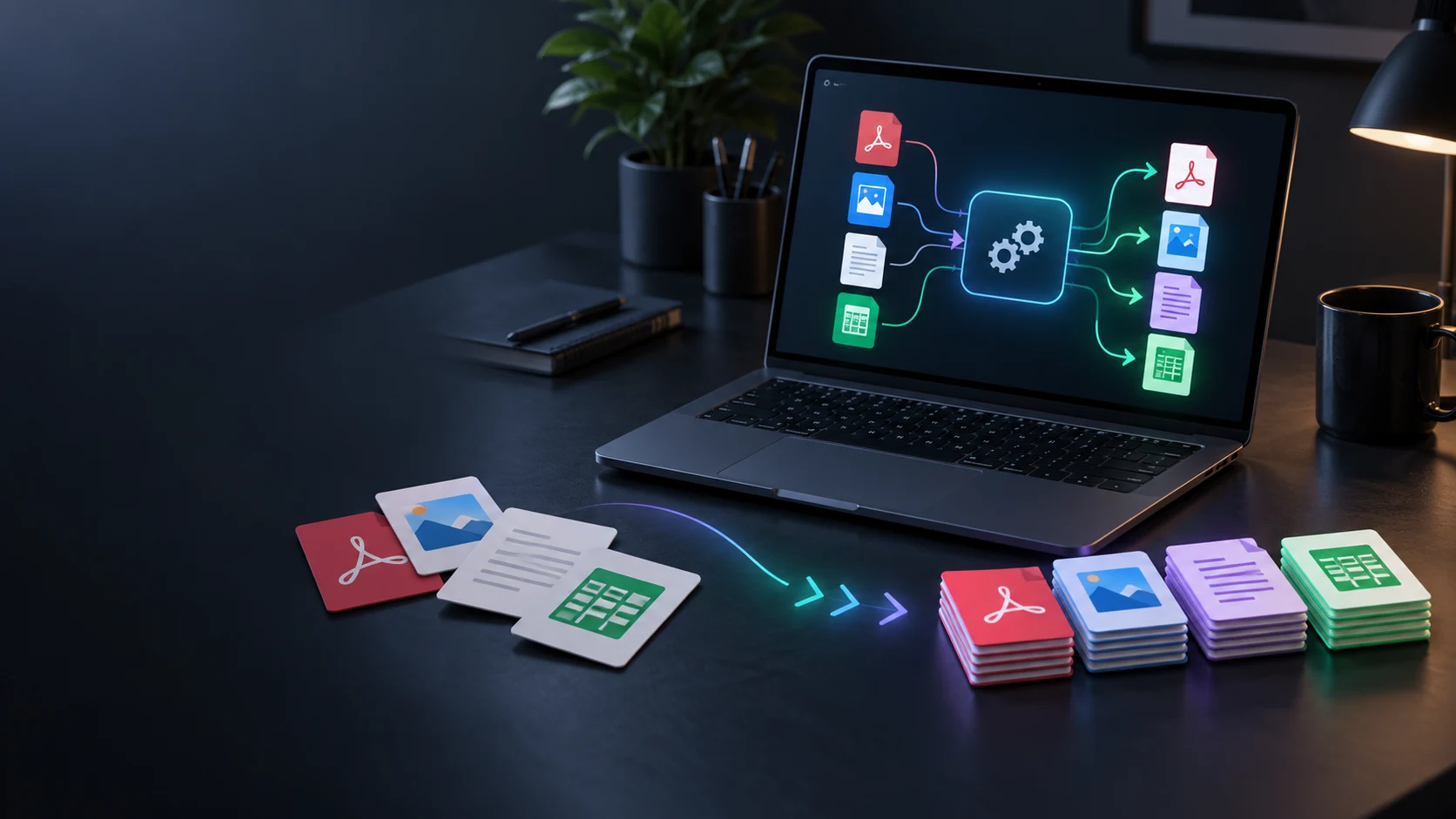
Work with supported file conversions beside the documents and attachments you handle each day.
Email interface images show sample messages. The hero and related images are product illustrations.
Questions and answers
Accounts, platforms, imported mail, folders and drafts at a glance.
A free email utility for reading, organising and sending messages inside VISINVOKE on Windows and Android. It brings account setup, folders, message rules, composition and attachments into one workspace.
Open Email in Desktop Control Centre on Windows, or the Android in-app host on a phone or tablet. Access is free with your VISINVOKE account.
Use START HERE to enter your address and select your provider. Follow the guided settings and receiving/sending checks. Then choose whether to import mail on Windows, add folders or set up rules.
The Windows-only one-time import brings messages, folders and attachments from an Outlook PST file into the local mailbox. It reads the original file without changing it, retains imported mail independently and includes protection against repeated imports.
Create and manage your own folders, keeping Inbox, Sent, Drafts and Trash protected. Use rules to move matching incoming or existing messages into a chosen folder. Set the reading pane to the right or below and retain its size.
Write new mail, reply, reply to all, forward messages and attach files. Save unfinished messages as drafts. A failed send retains the draft so you can return to it.
Continue in VISINVOKE
Create a free VISINVOKE account or sign in to your existing account. Get Desktop Control Centre through your account installer page.
Open Email on Windows or in the Android in-app host. Email is free with your VISINVOKE account.